In today's digital age, PowerPoint presentations (.PPT) are used everywhere, in office meetings, education, training, and business proposals. Sometimes, for security reasons, a password is added to a PPT file. However, when the password is known but the prompt keeps appearing, it becomes necessary to remove it.
This blog will explain how to remove the password from a protected .PPT file using a free PowerPoint password remover and will also cover a manual method and a third-party tool approach.
However, it's wise to remove the password when it's no longer needed.
If you know the password for the PPT file, you can remove it from within PowerPoint itself.
Fully Manual Procedure:
Limitations of the manual method:
If you want an easy & fast method, Free PowerPoint Password Remover can be a useful option, especially if the password is already known.
Softened freeware PowerPoint Password Remover is a free tool designed specifically for removing passwords from PowerPoint (.PPT) files. This software's user-friendly design allows it easy to use even for users with no technical skills.
Key Features of Freeware PowerPoint Password Remover:
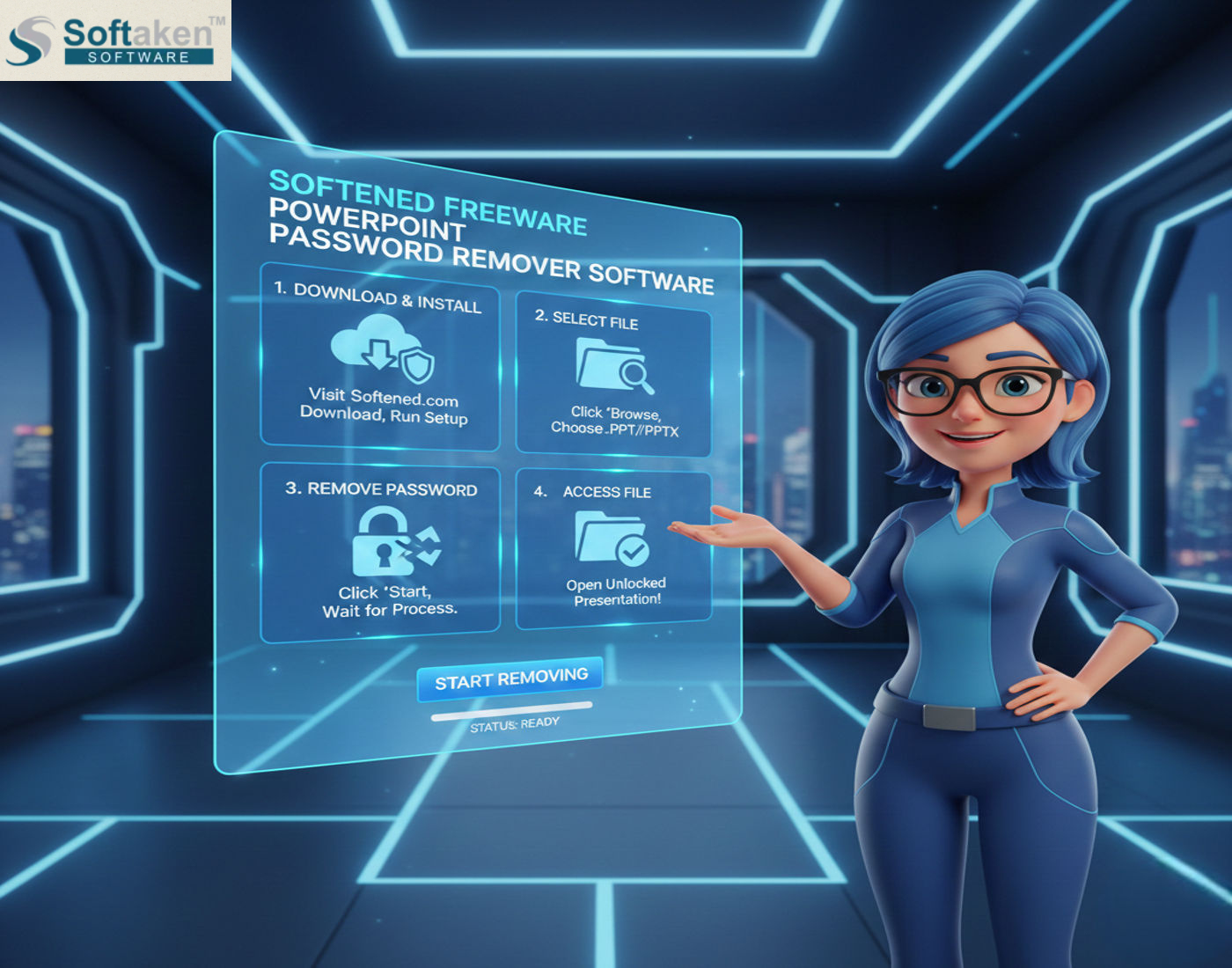
How to use freeware PowerPoint Password Remover?
You can remove the password from your PPT file by following the easy steps given below:
Step-by-Step Process:
In just a few moments, your file will be ready for use without a password.
Finally,
Both the manual approach and a free PowerPoint password remover are good choices if you already know the password for your PowerPoint file and only want to get rid of the security. When selecting the best approach, take your needs, file version, and available time into account. You'll be able to view your PPT file with ease and no data loss because of this.

